形变对话框
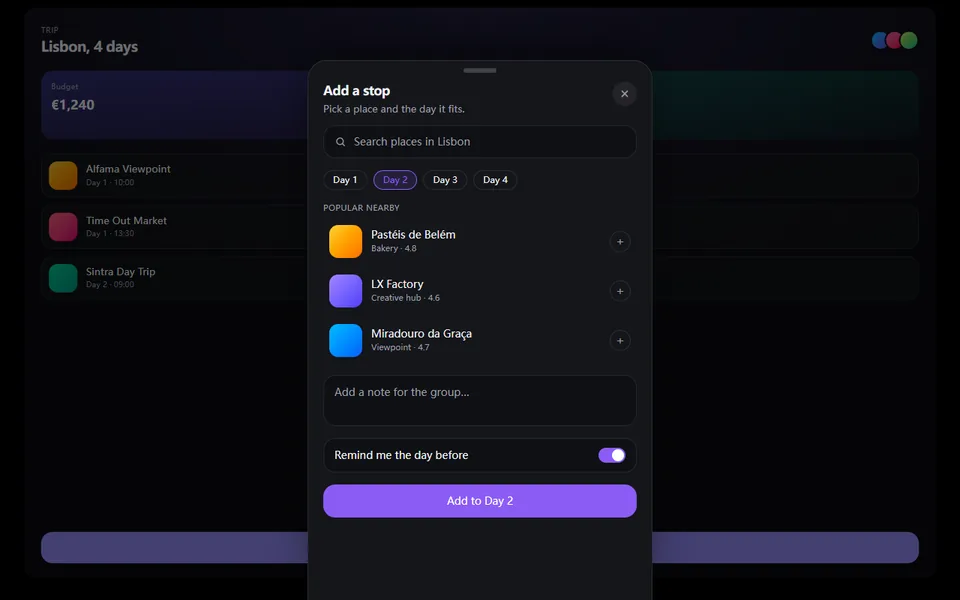
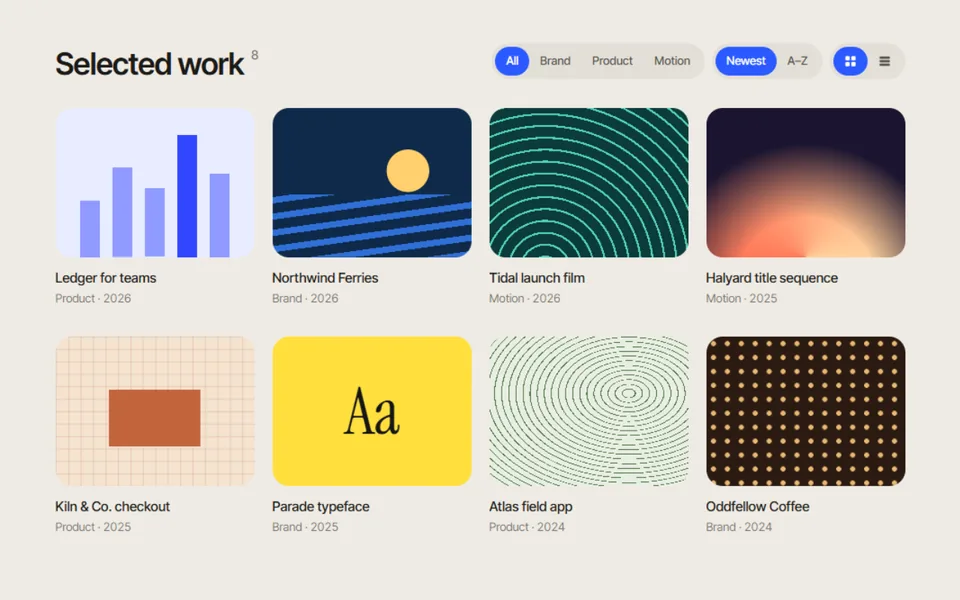
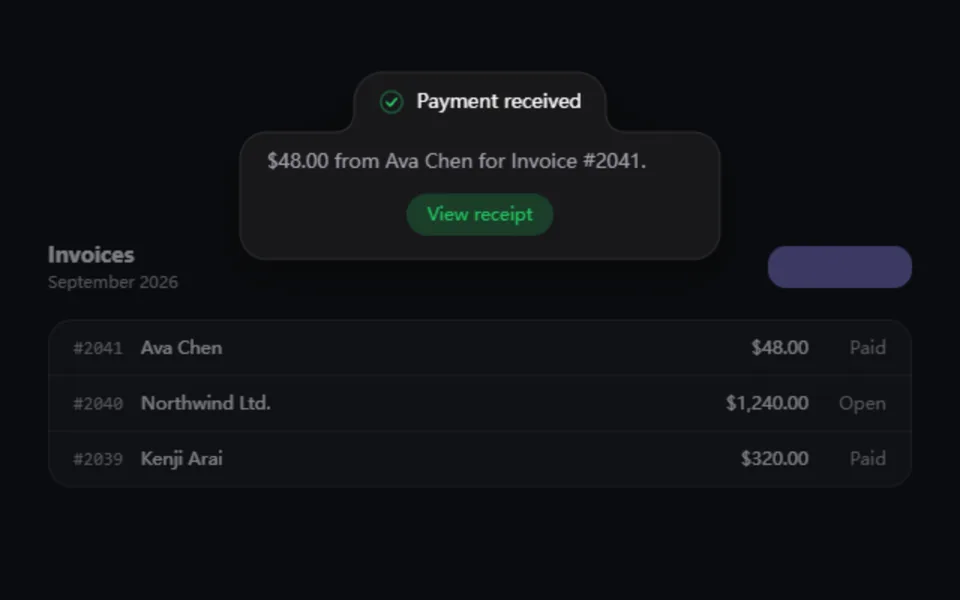
点击卡片,它顺着弹簧曲线展开成对话框,标题和封面一路跟随,背景同步虚化;再点一下原路收回。适合案例列表、商品详情和预览。
- React · Motion
- MIT
- ibelick/motion-primitives
- Remix 这个条目
正在载入预览
调参
高亮部分是当前参数,复制和下载都会带上
// SPDX-License-Identifier: MIT// Copyright (c) 2024 ibelick// Source: https://github.com/ibelick/motion-primitives/blob/120f64f/components/core/morphing-dialog.tsx// Modified by Motif; see the item's provenance.import { AnimatePresence, MotionConfig, motion, useReducedMotion, type Variant } from 'motion/react'import { cn } from '@motif/runtime'import { createContext, useCallback, useContext, useEffect, useId, useMemo, useRef, useState, type CSSProperties, type KeyboardEvent as ReactKeyboardEvent, type MouseEvent as ReactMouseEvent, type ReactNode, type RefObject,} from 'react'import { createPortal } from 'react-dom'/* @motif:defaults */export const defaults = { spring: { visualDuration: 0.5, bounce: 0.15, }, radius: 24, triggerRadius: 18, backdropOpacity: 0.5, backdropBlur: 6, closeOnOutsideClick: true,}/* @motif:end */type DialogOptions = typeof defaultstype MorphingDialogContextType = { isOpen: boolean /** fromUser 为 true 时(点击、Esc、点遮罩)才会移动焦点。 */ setOpen: (open: boolean, fromUser?: boolean) => void uniqueId: string triggerRef: RefObject<HTMLButtonElement | null> options: DialogOptions /** 最近一次开关是不是用户操作触发的。 */ userDriven: RefObject<boolean>}const MorphingDialogContext = createContext<MorphingDialogContextType | null>(null)// 标题和描述只有在对话框内容里才带 id,避免触发器里的同名元素造成重复 id。const InContentContext = createContext(false)function useMorphingDialog() { const context = useContext(MorphingDialogContext) if (!context) throw new Error('MorphingDialog parts must be used within <MorphingDialog>') return context}export type MorphingDialogProps = Partial<typeof defaults> & { children: ReactNode /** 受控:是否展开。不传则由组件自己管理。 */ open?: boolean onOpenChange?: (open: boolean) => void}/** 根组件:提供状态和弹簧。可以直接受控(open / onOpenChange),演示里就用它做自动播放。 */export function MorphingDialog({ children, open, onOpenChange, ...props }: MorphingDialogProps) { const resolved = { ...defaults, ...props } const { radius, triggerRadius, backdropOpacity, backdropBlur, closeOnOutsideClick } = resolved const { visualDuration, bounce } = resolved.spring // 每次渲染都会新建 resolved,按具体取值缓存 options,避免上下文无谓变化。 const options = useMemo<DialogOptions>( () => ({ spring: { visualDuration, bounce }, radius, triggerRadius, backdropOpacity, backdropBlur, closeOnOutsideClick }), [visualDuration, bounce, radius, triggerRadius, backdropOpacity, backdropBlur, closeOnOutsideClick], ) const [innerOpen, setInnerOpen] = useState(false) const isOpen = open ?? innerOpen const uniqueId = useId() const triggerRef = useRef<HTMLButtonElement>(null) const userDriven = useRef(false) const reducedMotion = useReducedMotion() const setOpen = useCallback( (next: boolean, fromUser = false) => { userDriven.current = fromUser setInnerOpen(next) onOpenChange?.(next) }, [onOpenChange], ) const context = useMemo( () => ({ isOpen, setOpen, uniqueId, triggerRef, options, userDriven }), [isOpen, setOpen, uniqueId, options], ) return ( <MorphingDialogContext.Provider value={context}> <MotionConfig reducedMotion="user" transition={reducedMotion ? { duration: 0.15 } : { type: 'spring', visualDuration, bounce }}> {children} </MotionConfig> </MorphingDialogContext.Provider> )}export type MorphingDialogTriggerProps = { children: ReactNode className?: string style?: CSSProperties}export function MorphingDialogTrigger({ children, className, style }: MorphingDialogTriggerProps) { const { setOpen, isOpen, uniqueId, triggerRef, options } = useMorphingDialog() const onKeyDown = (event: ReactKeyboardEvent) => { if (event.key === 'Enter' || event.key === ' ') { event.preventDefault() setOpen(!isOpen, true) } } return ( <motion.button ref={triggerRef} type="button" layoutId={`dialog-${uniqueId}`} className={cn('relative cursor-pointer', className)} onClick={() => setOpen(!isOpen, true)} onKeyDown={onKeyDown} style={{ borderRadius: options.triggerRadius, ...style }} aria-haspopup="dialog" aria-expanded={isOpen} aria-controls={`morphing-dialog-content-${uniqueId}`} > {children} </motion.button> )}const FOCUSABLE = 'button, [href], input, select, textarea, [tabindex]:not([tabindex="-1"])'export type MorphingDialogContentProps = { children: ReactNode className?: string style?: CSSProperties}export function MorphingDialogContent({ children, className, style }: MorphingDialogContentProps) { const { setOpen, isOpen, uniqueId, triggerRef, options, userDriven } = useMorphingDialog() const containerRef = useRef<HTMLDivElement>(null) // Esc 关闭,Tab 在对话框内循环。 useEffect(() => { if (!isOpen) return const onKeyDown = (event: KeyboardEvent) => { if (event.key === 'Escape') setOpen(false, true) if (event.key !== 'Tab') return const focusable = containerRef.current?.querySelectorAll<HTMLElement>(FOCUSABLE) if (!focusable || focusable.length === 0) return const first = focusable[0]! const last = focusable[focusable.length - 1]! if (event.shiftKey && document.activeElement === first) { event.preventDefault() last.focus() } else if (!event.shiftKey && document.activeElement === last) { event.preventDefault() first.focus() } } document.addEventListener('keydown', onKeyDown) return () => document.removeEventListener('keydown', onKeyDown) }, [isOpen, setOpen]) // 锁定背景滚动;只有用户操作才移动焦点,自动播放(受控)时不抢焦点。 useEffect(() => { if (!isOpen) return const previousOverflow = document.body.style.overflow document.body.style.overflow = 'hidden' const trigger = triggerRef.current // 关闭时要读取「最新」的 userDriven(而不是打开时的值),所以在清理函数里通过读取器取值。 const isUserDriven = () => userDriven.current if (isUserDriven()) containerRef.current?.querySelector<HTMLElement>(FOCUSABLE)?.focus({ preventScroll: true }) return () => { document.body.style.overflow = previousOverflow if (isUserDriven()) trigger?.focus({ preventScroll: true }) } }, [isOpen, triggerRef, userDriven]) return ( <InContentContext.Provider value> <motion.div ref={containerRef} id={`morphing-dialog-content-${uniqueId}`} layoutId={`dialog-${uniqueId}`} className={cn('overflow-hidden', className)} style={{ borderRadius: options.radius, ...style }} role="dialog" aria-modal="true" aria-labelledby={`morphing-dialog-title-${uniqueId}`} aria-describedby={`morphing-dialog-description-${uniqueId}`} > {children} </motion.div> </InContentContext.Provider> )}export type MorphingDialogContainerProps = { children: ReactNode}/** 遮罩和内容的容器,渲染到 body 上,避免被祖先的 overflow / transform 裁剪。 */export function MorphingDialogContainer({ children }: MorphingDialogContainerProps) { const { isOpen, uniqueId, setOpen, options } = useMorphingDialog() const [mounted, setMounted] = useState(false) useEffect(() => { setMounted(true) return () => setMounted(false) }, []) if (!mounted) return null const onWrapperClick = (event: ReactMouseEvent<HTMLDivElement>) => { if (options.closeOnOutsideClick && event.target === event.currentTarget) setOpen(false, true) } return createPortal( <AnimatePresence initial={false} mode="sync"> {isOpen && ( <> <motion.div key={`backdrop-${uniqueId}`} className="fixed inset-0 h-full w-full bg-black" style={{ backdropFilter: options.backdropBlur > 0 ? `blur(${options.backdropBlur}px)` : undefined }} initial={{ opacity: 0 }} animate={{ opacity: options.backdropOpacity }} exit={{ opacity: 0 }} /> <div className="fixed inset-0 z-50 flex items-center justify-center p-4" onClick={onWrapperClick}> {children} </div> </> )} </AnimatePresence>, document.body, )}type PartProps = { children: ReactNode; className?: string; style?: CSSProperties }export function MorphingDialogTitle({ children, className, style }: PartProps) { const { uniqueId } = useMorphingDialog() const inContent = useContext(InContentContext) return ( <motion.div id={inContent ? `morphing-dialog-title-${uniqueId}` : undefined} layoutId={`dialog-title-container-${uniqueId}`} className={className} style={style} layout > {children} </motion.div> )}export function MorphingDialogSubtitle({ children, className, style }: PartProps) { const { uniqueId } = useMorphingDialog() return ( <motion.div layoutId={`dialog-subtitle-container-${uniqueId}`} className={className} style={style}> {children} </motion.div> )}type PartVariants = { initial: Variant; animate: Variant; exit: Variant }const DESCRIPTION_VARIANTS: PartVariants = { initial: { opacity: 0, y: 8 }, animate: { opacity: 1, y: 0 }, exit: { opacity: 0 },}export type MorphingDialogDescriptionProps = { children: ReactNode className?: string disableLayoutAnimation?: boolean variants?: PartVariants}export function MorphingDialogDescription({ children, className, variants = DESCRIPTION_VARIANTS, disableLayoutAnimation }: MorphingDialogDescriptionProps) { const { uniqueId } = useMorphingDialog() return ( <motion.div id={`morphing-dialog-description-${uniqueId}`} layoutId={disableLayoutAnimation ? undefined : `dialog-description-content-${uniqueId}`} variants={variants} className={className} initial="initial" animate="animate" exit="exit" > {children} </motion.div> )}export type MorphingDialogImageProps = { /** 有 src 时渲染 <img>,否则渲染一个 div,里面可以放渐变或任意封面内容。 */ src?: string alt?: string children?: ReactNode className?: string style?: CSSProperties}/** 触发器和对话框里各放一个,封面会跟着一起形变。 */export function MorphingDialogImage({ src, alt = '', children, className, style }: MorphingDialogImageProps) { const { uniqueId } = useMorphingDialog() const layoutId = `dialog-img-${uniqueId}` if (src) return <motion.img src={src} alt={alt} className={className} layoutId={layoutId} style={style} /> return ( <motion.div className={className} layoutId={layoutId} style={style}> {children} </motion.div> )}export type MorphingDialogCloseProps = { children?: ReactNode className?: string variants?: PartVariants}const CLOSE_VARIANTS: PartVariants = { initial: { opacity: 0, scale: 0.8 }, animate: { opacity: 1, scale: 1 }, exit: { opacity: 0, scale: 0.8 },}export function MorphingDialogClose({ children, className, variants = CLOSE_VARIANTS }: MorphingDialogCloseProps) { const { setOpen, uniqueId } = useMorphingDialog() return ( <motion.button type="button" aria-label="Close dialog" key={`dialog-close-${uniqueId}`} className={cn('absolute top-4 right-4 grid size-9 cursor-pointer place-items-center rounded-full', className)} onClick={() => setOpen(false, true)} initial="initial" animate="animate" exit="exit" variants={variants} > {children ?? ( <svg viewBox="0 0 24 24" className="size-5" fill="none" stroke="currentColor" strokeWidth="2" strokeLinecap="round" aria-hidden> <path d="M6 6l12 12M18 6 6 18" /> </svg> )} </motion.button> )}